

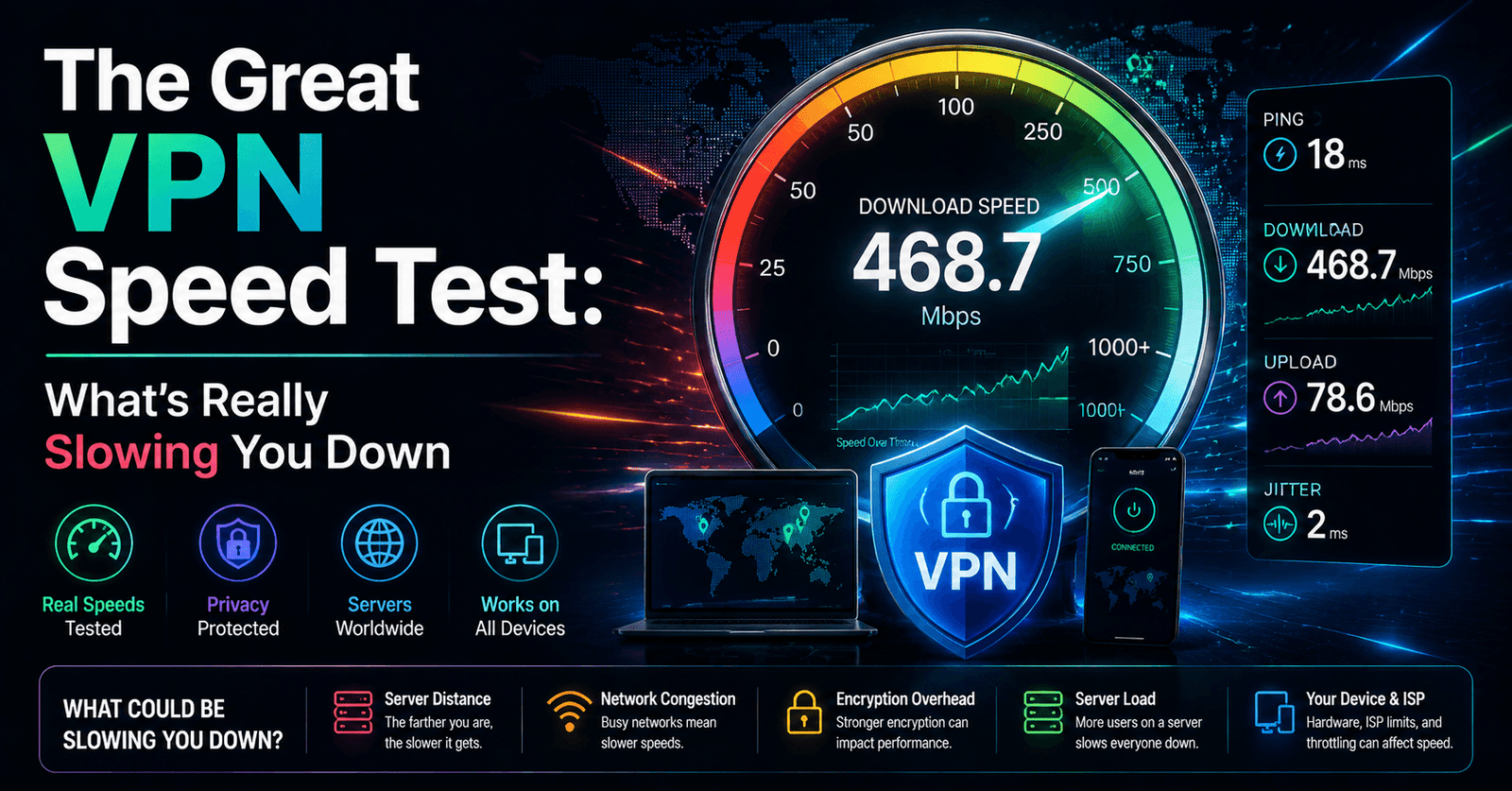
The Great VPN Speed Test: What's Really Slowing You Down
Almost everyone who has used a VPN has, at some point, noticed their connection feel slower, and it is one of the most common reasons people abandon a VPN subscription entirely. But “the VPN is slow” is rarely a complete explanation on its own — speed loss comes from a specific, identifiable set of factors, several of which are within a user’s control. Understanding what actually causes the slowdown makes it far easier to fix, and often reveals that the VPN itself was never really the bottleneck.
Understanding the Trade-off at a Basic Level
Every VPN connection involves routing traffic through an intermediary server and wrapping it in an extra layer of encryption, both of which add some amount of overhead compared to a direct, unencrypted connection. This trade-off is inherent to how a VPN works and can never be reduced to exactly zero, but the size of that overhead varies enormously depending on the protocol used, the server chosen, and the underlying quality of the connection to begin with. In other words, some speed loss is normal and expected; a dramatic, unusable slowdown almost always points to something specific and fixable rather than an unavoidable law of VPN physics.
Protocol Choice Matters More Than Most Users Realize
Not all VPN protocols are created equal when it comes to speed. Older protocols were often designed with different priorities and tend to carry more overhead, while newer, leaner protocols have been built specifically with speed and mobile efficiency in mind, often cutting connection setup time and reducing the computational load of encryption significantly. Many VPN apps now let users manually select a protocol or leave it on an “automatic” setting that tries to pick the best-performing option for the current network. Users who have not touched this setting in years, especially on an older account, may be missing out on a meaningfully faster experience simply by switching to a more modern protocol if their provider offers one.
Server Load and Physical Distance
Two of the most significant, and most overlooked, factors in VPN speed are how far away the chosen server is and how many other users are currently connected to it. Data has to physically travel further to a server on the other side of the world, adding latency that no amount of protocol optimization can fully eliminate. Meanwhile, a server under heavy simultaneous load — common during peak regional usage hours — will generally perform worse than an equivalent, less crowded server even at the same distance. Providers with a larger, well-distributed network of servers generally have an advantage here simply because they can spread user load more evenly and offer a nearby option in more locations.
Practically, this means the single fastest troubleshooting step for a sluggish VPN connection is often just switching to a different, geographically closer server, or trying an alternate server in the same country if the first one seems congested.
Encryption Overhead: Real But Often Overstated
Encryption does require computational work, and on older or lower-powered devices this can occasionally become a noticeable bottleneck, particularly with heavier encryption ciphers. On virtually all modern phones, laptops, and routers, however, hardware-accelerated encryption has made this overhead quite small in practice. Users troubleshooting a slow connection on a recent device should generally look elsewhere before assuming encryption strength itself is the culprit, since dialing down encryption in search of speed usually yields a marginal gain at a real cost to security.
ISP Throttling and Network Congestion
An underappreciated wrinkle is that a VPN can sometimes make a connection faster in specific circumstances, not just slower. Some internet service providers throttle certain types of traffic, such as high-bandwidth video streaming, based on being able to identify what that traffic is. Because a VPN encrypts and obscures the nature of the traffic, it can in some cases prevent this kind of targeted throttling, occasionally resulting in a faster real-world streaming experience despite the theoretical overhead of the VPN tunnel itself. This is not universal and depends heavily on the specific ISP and network conditions, but it is a useful reminder that VPN speed effects are not always negative.
How to Actually Test and Troubleshoot Speed Issues
A useful troubleshooting approach is to run a baseline speed test without the VPN connected, then run the same test immediately after connecting to a nearby server, followed by a test on a server further away. Comparing these results isolates how much of the slowdown is attributable to the VPN itself versus the underlying connection. If the nearby server shows only a modest difference from the baseline while a distant server shows a dramatic one, distance and server load are likely the primary factors rather than the VPN technology itself. If even a nearby server shows a large drop, it is worth trying a different protocol before concluding the provider is simply slow across the board.
Choosing Faster Servers as a Habit
- Default to the geographically nearest server unless a specific location is required for another reason.
- If a provider displays server load indicators, prefer lower-load options over the first one listed.
- Experiment with available protocols rather than assuming the default is optimal for your device and network.
- Re-test periodically, since server performance can shift over time as user load patterns change.
- Remember that some speed loss is expected and normal; the goal is minimizing it, not eliminating it entirely.
Router-Level VPNs and Their Unique Speed Considerations
Running a VPN directly on a home router, so that every connected device is protected without needing individual apps, has become more popular, but it introduces its own speed considerations. Consumer routers generally have far less processing power than a modern phone or laptop, which means encryption overhead that is negligible on a flagship phone can become a genuine bottleneck on router hardware not designed with VPN processing in mind. Users running a VPN at the router level who notice a much larger speed drop than they experienced running the same VPN on an individual device are often running into this hardware limitation rather than a problem with the VPN service itself, and upgrading to a router with a more capable processor, or one specifically designed with VPN throughput in mind, is usually the more effective fix.
Multi-Hop and Specialty Server Configurations
Some providers offer multi-hop connections that route traffic through two VPN servers in sequence rather than one, adding an extra layer of privacy at the cost of noticeably higher latency and lower throughput. This is a deliberate trade-off rather than a flaw, intended for users who prioritize maximum privacy over speed for specific sensitive activities, and it should not be treated as representative of a provider’s typical single-hop performance. Similarly, specialty servers optimized for particular use cases, such as heavy download activity, sometimes carry different performance characteristics than standard servers, and comparing speeds across genuinely different server types can lead to misleading conclusions about a provider’s overall quality.
The Role of Your Home Network and ISP Plan
It is easy to blame a VPN entirely for a slow connection while overlooking the underlying internet plan and home network setup. A connection already close to its maximum throughput before a VPN is even introduced will show a proportionally larger relative slowdown than a connection with significant headroom to spare, simply due to how overhead percentages work against a smaller total number. Similarly, older Wi-Fi standards, network congestion from multiple devices streaming simultaneously, or an outdated router unrelated to the VPN itself can all contribute to a slow experience that gets unfairly attributed entirely to the VPN. Ruling out these baseline factors before testing the VPN is a useful step that many users skip.
When Slowness Signals a Genuine Provider Problem
All of this is not to say VPN providers are never at fault. A provider with an undersized server network relative to its subscriber base, insufficient bandwidth capacity at its data centers, or poorly optimized software can produce consistently poor speeds across virtually every server and protocol combination, regardless of how carefully a user tunes their settings. The distinguishing signal is consistency: if switching servers, protocols, and networks all fail to meaningfully improve performance, the issue is more likely to sit with the provider’s infrastructure than with any single fixable setting on the user’s end, and at that point switching providers becomes a more reasonable troubleshooting step than continuing to tweak individual settings.
Reading recent, independent speed comparisons rather than relying solely on a provider’s own marketing claims is a sensible final check before deciding a persistent slowdown is systemic rather than something still fixable on your end.
Conclusion
VPN speed complaints are common, but they are rarely mysterious once broken down into their component causes: protocol choice, server distance, server load, device encryption overhead, and underlying network conditions. Most of these factors are at least partially within a user’s control, and a few minutes of testing and adjustment can often turn a frustratingly slow connection into one that feels close to native speed. Before writing off a VPN provider as simply “too slow,” it is worth ruling out these more common and more fixable culprits first.
About the Author