

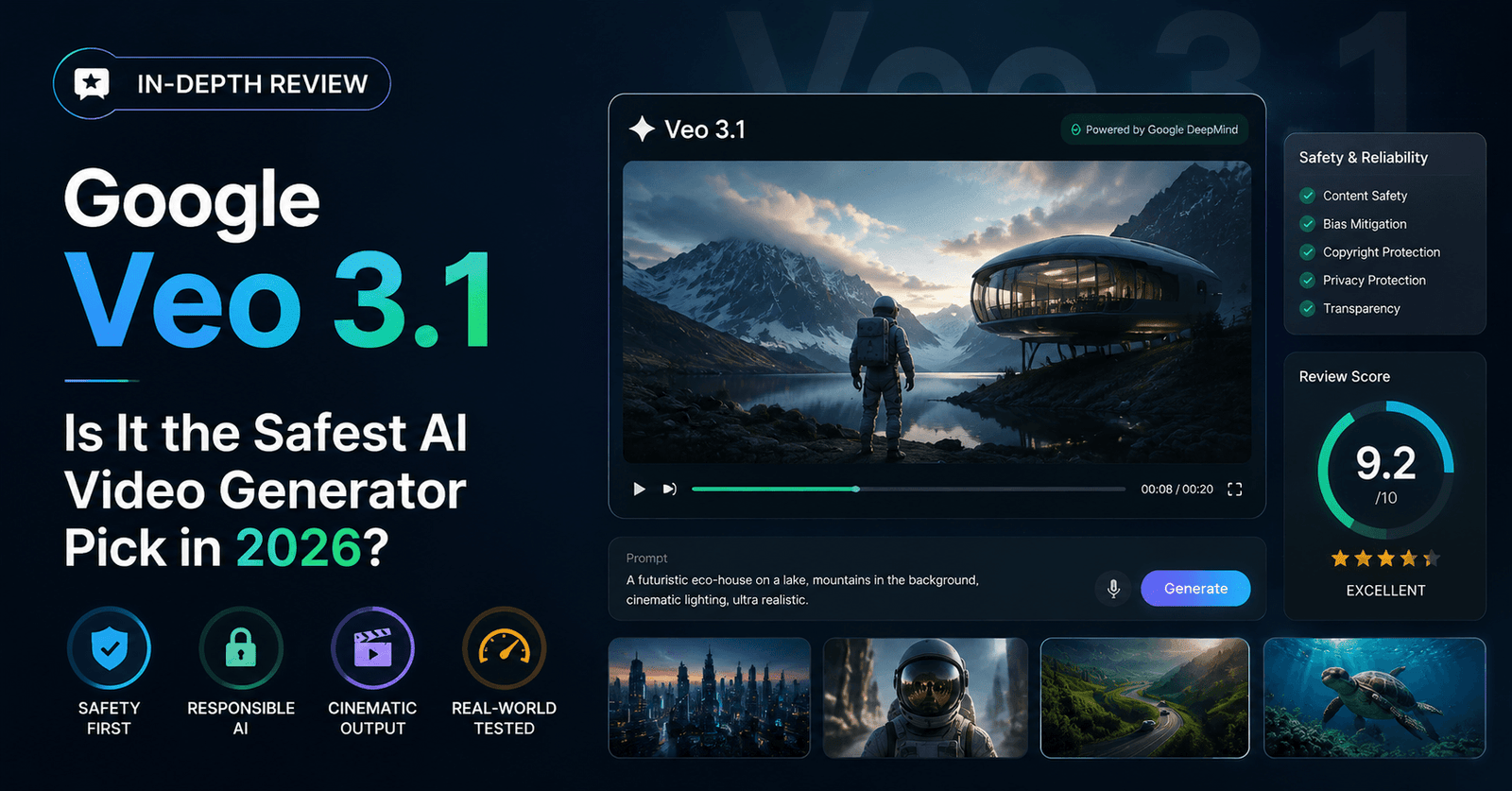
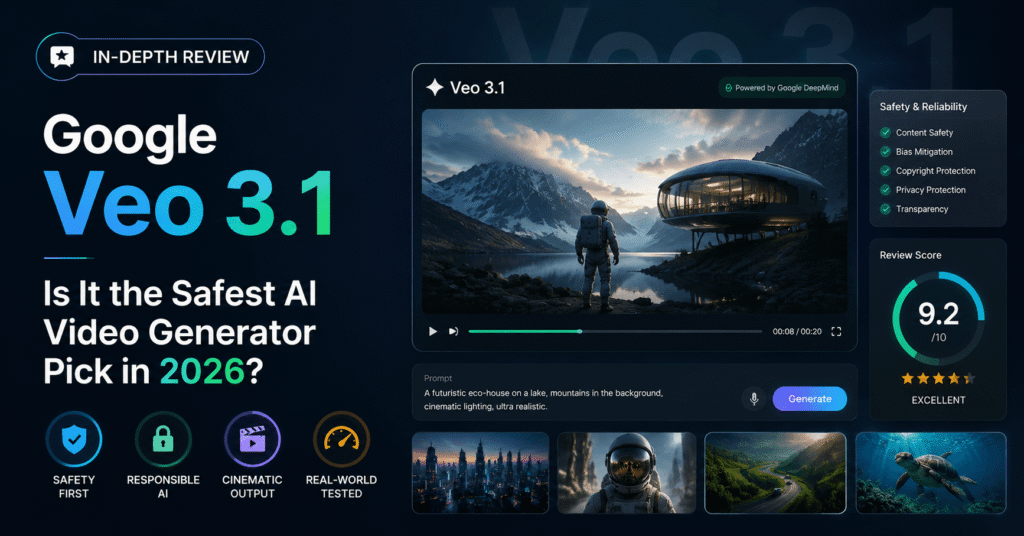
Google Veo 3.1 Review: Is It the Safest AI Video Generator Pick in 2026?
Quick take: Google Veo 3.1 has become the default “safe choice” recommendation among AI video generators in 2026 — strong prompt comprehension, genuinely useful native audio, and fast-tier pricing that undercuts several premium competitors. It isn’t the flashiest model on the leaderboard, but it might be the most dependable one. Here’s the Topody Team’s full breakdown.
What Is Google Veo 3.1?
Veo 3.1 is Google’s current-generation text-to-video and image-to-video model, distributed through Google’s Flow interface as well as API access for developers. Where earlier video models were judged almost entirely on how convincing a single clip looked, Veo 3.1 is built around a broader promise: strong prompt-following, native synchronized audio, and enough consistency that teams can build a real workflow around it rather than treating it as a novelty generator.
In a market that now includes a dozen credible frontier models, Veo 3.1 has carved out a specific reputation: it’s the model reviewers keep calling the “enterprise-safe” option — not necessarily the most exciting, but the one least likely to embarrass you in front of a client.
Key Features
Native Audio That Actually Works
Veo 3.1’s biggest differentiator is its audio generation. It produces synchronized speech and sound effects natively, at broadcast-friendly sample rates, without requiring a separate lip-sync or ADR pass. For marketing and explainer content especially, this alone can cut an entire step out of the production pipeline.
Prompt Comprehension
Testers consistently point to Veo 3.1 as one of the stronger models for understanding cinematic language — lighting descriptions, lens behavior, mood cues — and translating that into footage that looks intentional rather than approximate. This matters most for marketing concepts where the brief is detailed and the tolerance for “close enough” is low.
Image-to-Video Workflows
Veo 3.1 handles image-to-video conversion well, which makes it a strong fit for teams that already have brand photography or product shots and want to animate them convincingly rather than generating a scene from scratch.
Fast-Tier Pricing
Google offers a “fast” generation tier priced well below several premium competitors on a per-second basis, which has made Veo 3.1 a common pick for teams that need volume without committing to the most expensive frontier pricing on the market.
Where Veo 3.1 Falls Short
- Ecosystem lock-in: Veo 3.1 is most convenient for teams already inside Google’s broader AI and cloud ecosystem. Standalone adoption is possible, but the workflow benefits shrink outside that ecosystem.
- Motion ceiling on extreme action: While prompt comprehension is excellent, the most demanding high-motion sequences (crowds, fast choreography) are still an area where competitors like Kling 3.0 have an edge.
- Editing tools are thinner than Runway’s: Veo 3.1 is a strong generator, not a full production suite. Teams that want in-app keyframing and restyling will likely still need a separate editor.
Pricing Snapshot
| Model | Approx. Rate | Notes |
|---|---|---|
| Veo 3.1 (fast tier) | ~$0.15 / second | Strong balance of cost and quality |
| Kling 3.0 | ~$0.10 / second | Cheapest of the premium tier |
| Runway Gen-4.5 | Credit-based | Best for predictable moderate usage |
Rates are approximate, drawn from publicly available pricing pages as of mid-2026, and change frequently — always verify current pricing directly with each provider.
Veo 3.1 vs. The Competition
Veo 3.1 vs. Kling 3.0
Kling edges ahead on raw motion handling and undercuts Veo slightly on price. Veo answers back with stronger native audio and arguably more reliable prompt comprehension for polished marketing footage. For dialogue-light, motion-heavy content, Kling is the sharper tool. For anything voice- or mood-driven, Veo tends to land closer to the brief on the first try.
Veo 3.1 vs. Runway Gen-4.5
Runway remains the stronger pick for teams that need an actual editing workspace around the model. Veo wins if your priority is getting a clean, well-audio’d clip quickly without assembling a broader production pipeline around it.
Topody take: Veo 3.1 rarely wins a single-category shootout outright, but it rarely loses badly either. That consistency is exactly why it keeps getting recommended as the “if in doubt, start here” option for teams that don’t have time to run their own six-model bake-off.
Who Should Use Veo 3.1
- Marketing teams that need realistic, brand-safe concept videos with clean native audio
- Organizations already invested in Google’s broader AI or cloud tooling
- Teams animating existing product photography via image-to-video
- Anyone who wants strong prompt-following without babysitting the output through multiple regenerations
Who Should Look Elsewhere
- Creators whose projects lean heavily on extreme, fast-paced motion (consider Kling 3.0)
- Production teams that want in-app editing, keyframing, and restyling in one workspace (consider Runway Gen-4.5)
- Budget-first creators generating very high volumes of short-form clips (compare per-second rates carefully first)
Final Verdict
Google Veo 3.1 earns its reputation as the “safe” recommendation honestly: it’s not chasing the top motion-quality leaderboard spot, and it’s not trying to be a full editing suite. What it does well — native audio, prompt comprehension, and dependable image-to-video conversion — is exactly what most marketing and content teams need on a Tuesday afternoon deadline. If your use case doesn’t specifically demand extreme motion or a built-in editor, Veo 3.1 is a very reasonable place to start, and for many teams, a very reasonable place to stay.
This review reflects hands-on testing and publicly available information current as of July 2026. AI video models update rapidly — always confirm current features and pricing directly with the provider before making a purchasing decision.
About the Author