

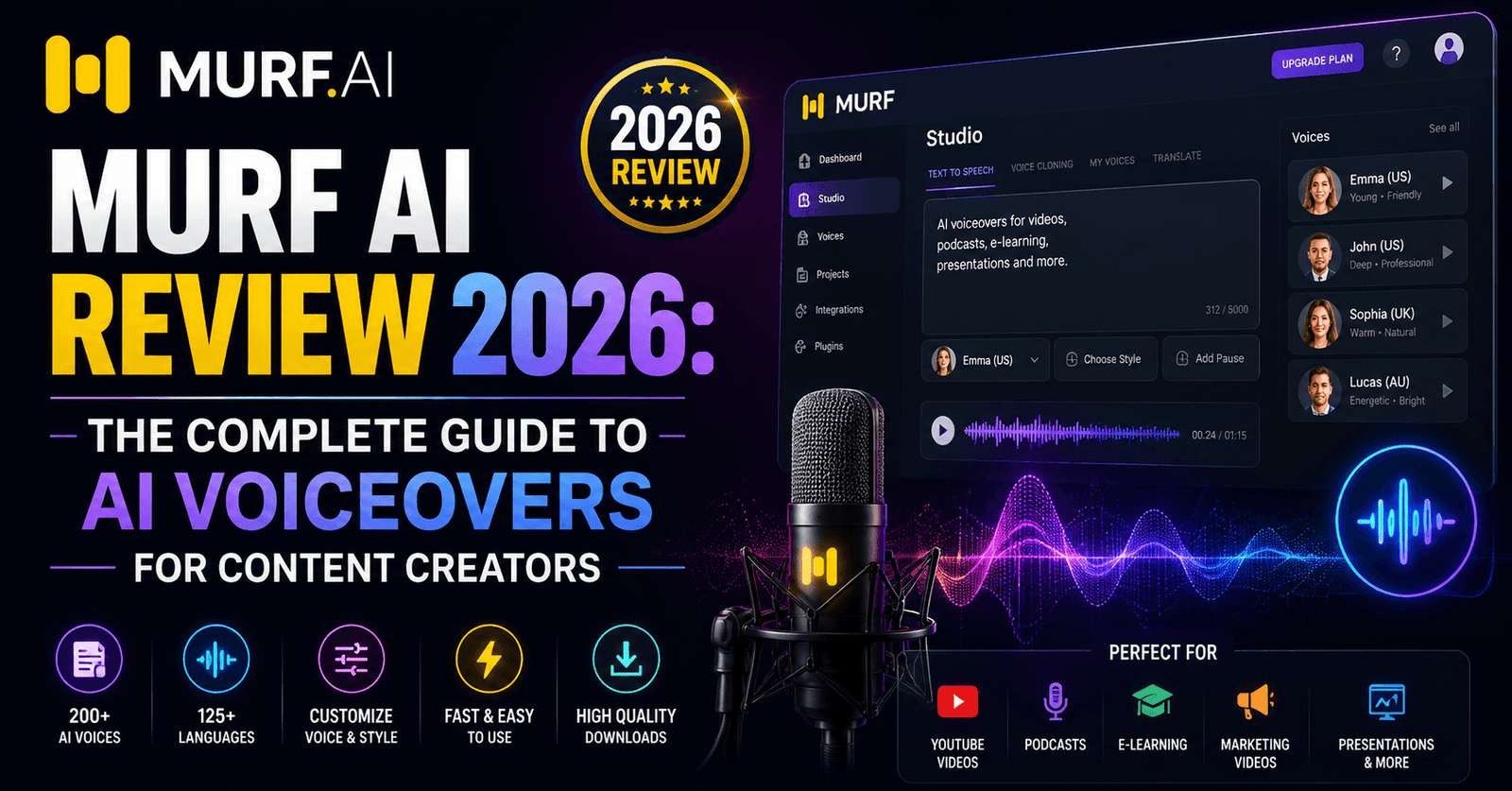
Murf AI Review 2026: The Complete Guide to AI Voiceovers for Content Creators
If you’ve ever needed a polished voiceover for a training video, product demo, or YouTube explainer without hiring a voice actor, chances are Murf AI has come up in your search. Positioned as a business-first AI voice generator, Murf promises studio-quality narration paired with a built-in video editor. We put it through a full production workflow — scripting, voice selection, syncing, and export — to see how it holds up in 2026.
What Is Murf AI?
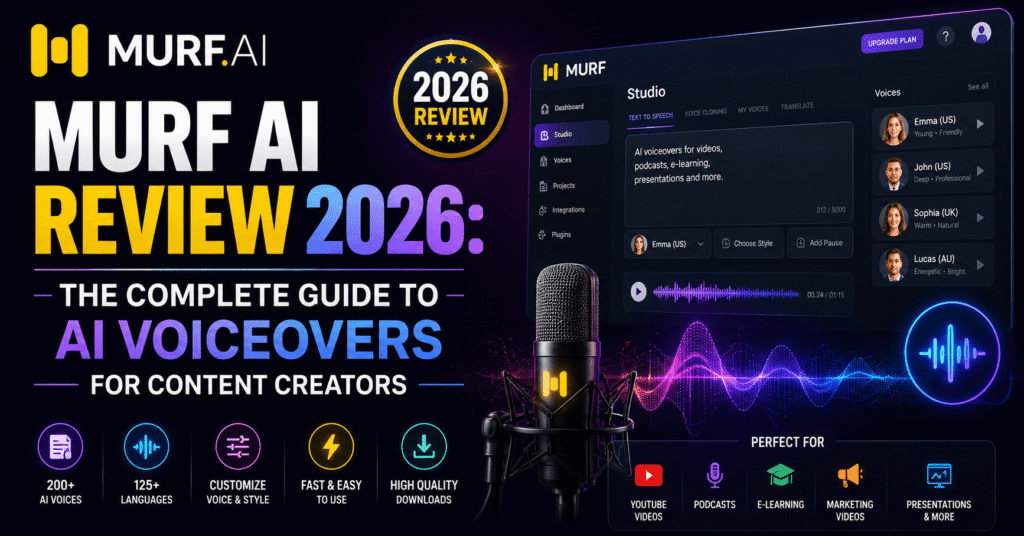
Murf AI is a text-to-speech and voiceover platform built around a canvas-style editor rather than a simple text box. You build your project like a slide deck or video timeline: add text, choose a voice, insert pauses and emphasis, sync to background music or slides, and export as audio or video. It’s aimed squarely at marketers, HR teams, course creators, and corporate video producers who need consistent, professional narration at scale.
Key Features We Tested
1. The Editor Workflow
Murf’s biggest differentiator is its interface. Instead of pasting a script into a single field, you work inside a project canvas where each line of dialogue becomes its own block. You can drag blocks to reorder them, attach them to slides or video clips, and preview timing instantly. For anyone producing e-learning modules or product walkthroughs, this structure saves significant time compared to exporting audio separately and syncing it manually in a video editor.
2. Voice Library and Customization
Murf offers 120+ voices across 20+ languages, each tagged by tone (e.g., “conversational,” “narration,” “promo”). We tested a handful of English voices for a mock product demo script and found the delivery consistently clear and well-paced, if a little less emotionally varied than ElevenLabs. Pitch, speed, and emphasis can all be adjusted per line, and Murf’s “pause” and “pronunciation” controls made it easy to fix awkward phrasing without re-recording anything.
3. Voice Changer and Cloning
Murf’s Voice Changer lets you record yourself and convert your own voice into one of Murf’s AI voices in real time, which is handy for creators who want consistent narration without perfecting their on-mic delivery. Voice cloning is also available on higher-tier plans, though we found it noticeably less accurate than ElevenLabs’ professional cloning — usable for internal content, less convincing for public-facing brand voices.
4. Video and Slide Sync
Murf integrates directly with slide uploads (PowerPoint/Google Slides) and stock video/image libraries, letting you build a full narrated video inside the same tool. We used this to turn a ten-slide training deck into a narrated video in about 25 minutes, including voice selection and timing adjustments — a task that would normally take an hour or more juggling separate audio and video software.
5. Team Collaboration
Business and Enterprise plans include shared workspaces, comment threads on scripts, and role-based permissions. For agencies or marketing teams producing high volumes of voiceover content, this collaborative layer is a meaningful advantage over more single-user-focused competitors.
Audio Quality
In our side-by-side blind listening test against ElevenLabs and Play.ht, Murf’s voices scored highest for “clarity” and “professionalism” in business-style scripts — think onboarding videos or ad reads — but scored lower on “emotional range” for dramatic or storytelling content. This matches Murf’s positioning: it’s optimized for reliable, neutral delivery rather than expressive performance.
Pricing
| Plan | Price | Best For |
|---|---|---|
| Free | $0/mo | Trying the editor, 10 min of voice generation |
| Creator | $29/mo (annual) | Solo creators, YouTubers |
| Business | $79/mo (annual) | Marketing teams, agencies |
| Enterprise | Custom | Large orgs, custom voice needs |
Pros and Cons
Pros
- Editor-style workflow built for real production, not just raw TTS
- Consistent, clear voices ideal for business content
- Built-in slide and video sync saves editing time
- Strong team collaboration features
- Voice Changer is great for quick, natural narration
Cons
- Less emotional range than ElevenLabs for storytelling content
- Voice cloning accuracy trails top-tier competitors
- Annual billing required to unlock the best pricing
- Some advanced features gated behind Business tier
Who Should Use Murf AI?
Murf is the strongest choice for marketing teams, HR and L&D departments, course creators, and agencies producing high volumes of business-style video and audio content. If your priority is turning slides or scripts into polished videos quickly — without hiring a video editor or voice actor — Murf’s all-in-one workflow is hard to beat.
If you’re producing audiobooks, character-driven game dialogue, or anything that needs genuine emotional performance, you’ll likely get better results from a tool built around expressive voice cloning, like ElevenLabs.
How It Compares to Alternatives
Compared to ElevenLabs, Murf trades a bit of vocal realism for a much faster end-to-end production workflow. Compared to Play.ht, Murf’s editor and slide-sync features give it a clearer edge for business use cases, even though Play.ht’s raw voice library is comparably large. Descript’s Overdub sits somewhere in between — strong for podcast editing workflows, but without Murf’s slide/video integration.
Frequently Asked Questions
Can I use Murf AI voices commercially?
Yes, commercial usage rights are included starting from the Creator plan.
Does Murf support multiple languages?
Yes, Murf offers voices in 20+ languages, with strong coverage of major European and Asian languages.
Can I import my own video into Murf?
Yes, you can upload video or slides and sync AI narration directly onto your timeline.
Is there a free trial?
Yes, the free plan includes limited monthly voice generation so you can test voice quality before subscribing.
Final Verdict
Murf AI isn’t chasing the most human-sounding voice on the market — it’s chasing the fastest path from script to finished video. For business, training, and marketing content, that trade-off pays off. Creative storytellers may want to look elsewhere, but for practical production workflows, Murf is one of the smartest picks in the category.
This review was researched and written by the Topody Team. Topody publishes independent, hands-on reviews of AI software across categories including writing, image generation, and audio tools. Visit topody.com/ for more in-depth comparisons.
About the Author