

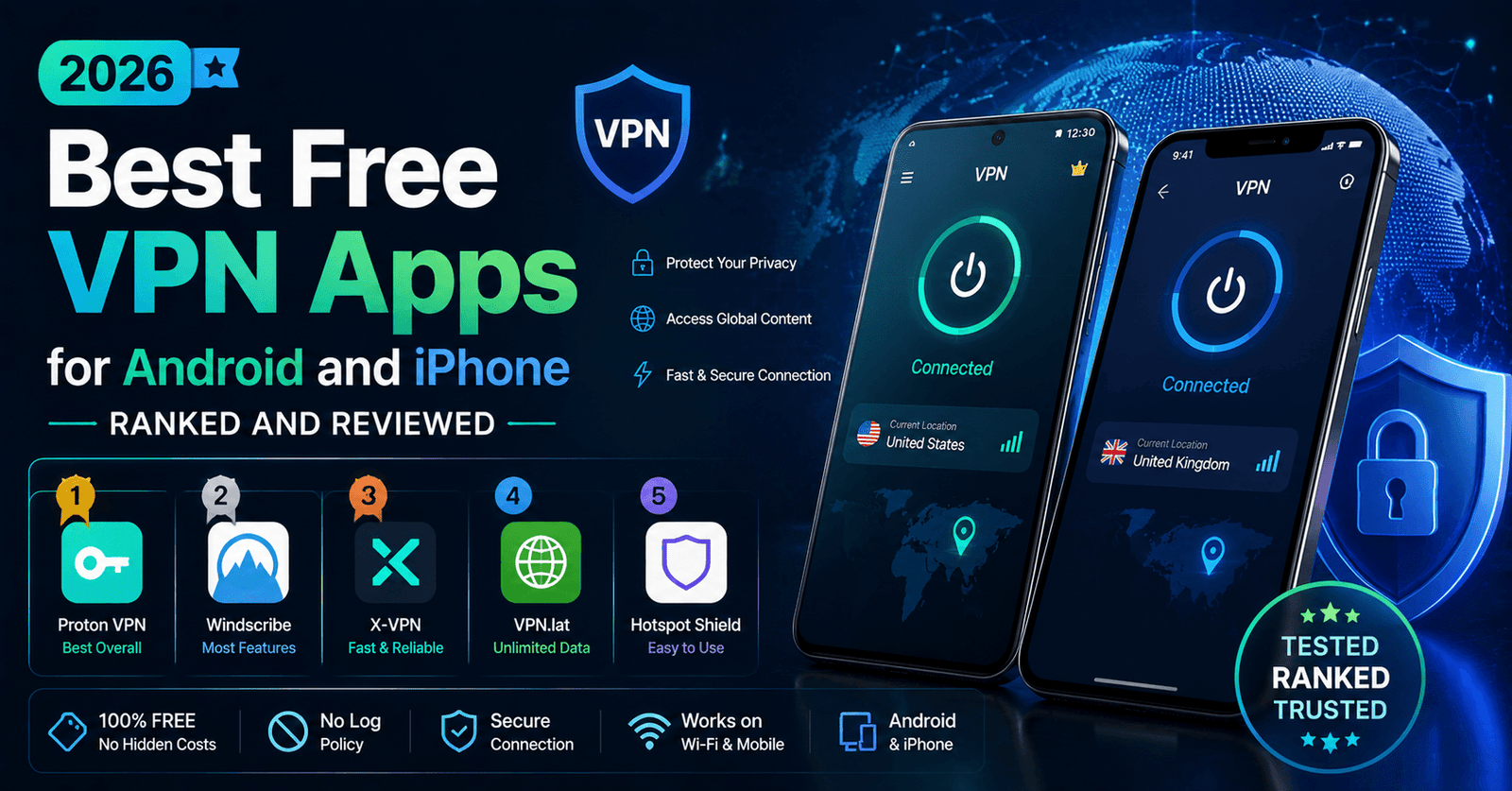
Best Free VPN Apps for Android and iPhone in 2026: Ranked and Reviewed
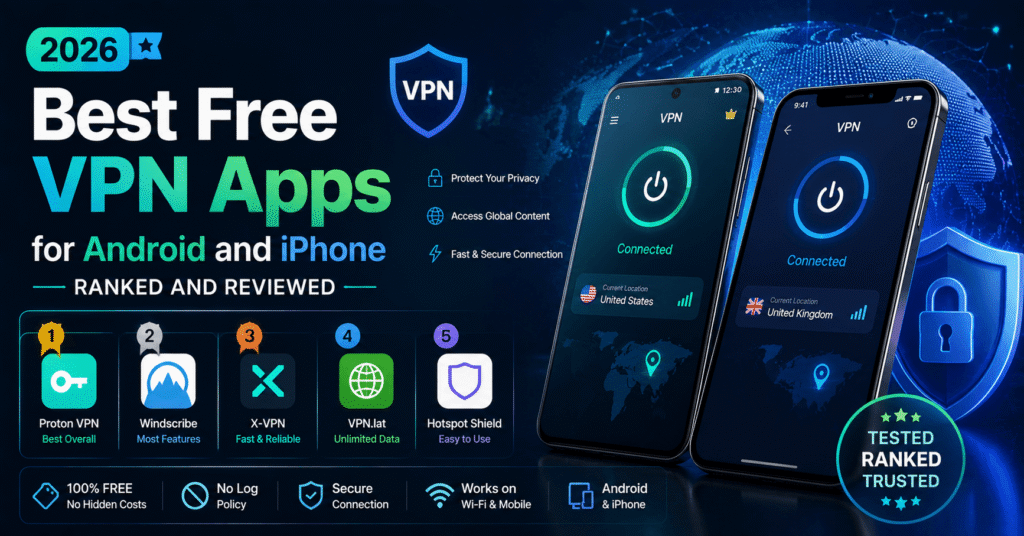
Mobile devices are where most people actually encounter public Wi-Fi risk — airport lounges, coffee shops, hotel networks — which makes a trustworthy free VPN app arguably more useful on a phone than on a laptop. But mobile VPN apps come with their own set of considerations: battery drain, app permissions, and the fact that app stores are flooded with low-quality or outright malicious “free VPN” listings. The Homizel Team ranked the free VPN apps worth installing on Android and iPhone in 2026, and what to watch for before you tap install.
Why Mobile Deserves Its Own Ranking
It would be easy to assume that a VPN provider’s desktop reputation carries over directly to its mobile app, but that is not always true. Mobile apps are built on different codebases, request a different set of system permissions, and are subject to their own platform-specific review processes, meaning a provider that excels on desktop can still ship a mediocre or poorly maintained mobile app. That is exactly why this ranking evaluates each provider’s Android and iOS apps on their own merits, rather than simply carrying over conclusions from desktop testing.
What Matters Most on Mobile
- Permissions requested — a VPN app has no legitimate reason to ask for contacts, SMS, or camera access.
- Battery impact — a well-optimized VPN app should not meaningfully drain your battery during normal use.
- Auto-reconnect and kill switch — mobile connections drop constantly moving between Wi-Fi and cellular, so a reliable kill switch matters even more here than on desktop.
- App store reputation — ratings can be manipulated, so look for detailed, specific reviews rather than star counts alone.
Best Free VPN for Android
Proton VPN Free
Proton VPN’s Android app mirrors its desktop strengths: unlimited data, audited no-logs practices, and a clean, minimal permission footprint. It is the safest default pick for Android users who mainly want to protect traffic on public networks without worrying about a data ceiling.
PrivadoVPN Free
PrivadoVPN’s Android app is a strong second choice, particularly if you occasionally want to stream or need a wider spread of server countries. The 10 GB monthly cap is generous enough for regular browsing and messaging, though heavier users will burn through it streaming video.
Best Free VPN for iPhone
Proton VPN Free
The iOS app benefits from the same audited privacy policy and unlimited data as its Android counterpart, and Apple’s App Store review process adds an additional layer of scrutiny that helps filter out the more questionable “free VPN” listings that circulate more freely on Android.
Windscribe Free
Windscribe’s iOS app carries over its generous feature set, including split tunneling on supported iOS versions, at the cost of the same 10 GB monthly cap found across its other platforms. It suits iPhone users who want more manual control over their connection than Proton VPN’s simplified interface provides.
Widgets, Notifications, and Everyday Convenience
Beyond the core connection feature, small quality-of-life details often separate a genuinely well-built free VPN app from a bare-bones one: a quick-connect home screen widget, clear notification badges showing connection status, and sensible default settings that do not require digging through menus just to turn the VPN on after restarting your phone. These details do not affect security directly, but they do affect whether you actually keep the app running consistently, which matters more for your day-to-day protection than any single advanced feature you rarely use.
App Permissions to Watch Out For
Before installing any free VPN app, check its requested permissions in the app store listing. A legitimate mobile VPN app typically needs:
- VPN configuration access (to establish the tunnel itself)
- Network state access (to detect connectivity changes)
- Notification access (for connection status alerts)
It does not need contacts, call logs, SMS messages, precise location history, or camera access. If a free VPN app requests any of these, treat it as a serious red flag rather than a minor inconvenience.
Homizel Warning Sign: On Android specifically, sideloaded VPN APKs from outside the Play Store carry meaningfully higher risk than apps distributed through official app stores, since they skip the baseline review process entirely.
Battery and Performance Impact
In our testing, well-built free VPN apps added only a modest battery cost during active use — noticeable, but not dramatic, similar to running any other background networking app. Poorly optimized apps, on the other hand, showed disproportionate battery drain even when idle in the background, often a sign of excessive background processes unrelated to the VPN tunnel itself. If a free VPN app is quietly draining your battery overnight while disconnected, that is worth investigating, not ignoring.
Our Top Picks at a Glance
| Platform | Top Pick | Runner-Up |
|---|---|---|
| Android | Proton VPN Free | PrivadoVPN Free |
| iPhone | Proton VPN Free | Windscribe Free |
iOS vs Android: Are the Risks the Same?
Both platforms carry real risk from low-quality free VPN apps, but the shape of that risk differs. Apple’s App Store review process adds a consistent layer of scrutiny before any app becomes available, which filters out some, though not all, of the more obviously questionable listings. Android’s more open ecosystem, including the ability to sideload apps from outside the Play Store entirely, gives lower-quality and outright malicious VPN apps an easier path to reach users. This does not mean iOS users can skip due diligence — polished, deceptive privacy policies and vague permission requests still make it through App Store review — but it does mean Android users specifically should be more cautious about installing anything outside the official Play Store.
Common Mobile VPN Scams to Avoid
Mobile app stores host a much larger volume of low-quality “free VPN” apps than desktop platforms, partly because mobile apps are quicker and cheaper to publish. A few patterns show up repeatedly among the apps worth avoiding: names that closely mimic a well-known, reputable VPN brand with slightly altered spelling; app store descriptions filled with vague superlatives like “100% unlimited, 100% secure, 100% free” without any technical detail; developer accounts with no other published apps or history; and review sections dominated by short, generic five-star ratings posted in rapid succession, which is a common sign of manipulated reviews.
Reading Mobile App Reviews the Right Way
Star ratings alone are easy to manipulate and tell you very little on their own. It is far more useful to sort an app’s reviews by “most recent” and skim for specific, detailed complaints — recurring mentions of crashes, unexpected ads, battery drain, or difficulty canceling a subscription are far more informative than an aggregate star count. A healthy app tends to have a mix of both positive and constructively critical reviews written in specific, varied language, rather than an overwhelming wall of short, generic five-star praise.
Setting Up a Free VPN Safely on Your Phone
Once you have chosen a reputable provider, a few habits make your mobile VPN setup meaningfully safer. Enable the app’s kill switch if one is offered, so that traffic is blocked rather than exposed if the VPN connection drops unexpectedly while switching between Wi-Fi and cellular data. Turn on auto-connect for untrusted or public networks specifically, rather than leaving the VPN off by default. Periodically check the app’s permission list in your phone’s system settings, since permissions can sometimes expand with app updates in ways that are easy to miss.
Frequently Asked Questions
Do free VPN apps work with mobile hotspots and tethering?
Generally yes — a VPN app encrypts traffic at the device level, so it works the same way whether your phone is connected to Wi-Fi, cellular data, or acting as a hotspot for another device, though tethered devices would need their own VPN connection for the same protection.
Why does my free VPN app disconnect when I switch from Wi-Fi to mobile data?
This is a common limitation in less polished VPN apps that do not handle network transitions smoothly. Look for an app with a dedicated auto-reconnect feature, which is designed specifically to re-establish the tunnel automatically when your phone changes networks.
Is it safe to use a free VPN app that is not available on the Google Play Store or Apple App Store?
Sideloaded apps, particularly on Android, skip the baseline security review that official app stores perform, which meaningfully raises the risk of installing something malicious. Sticking to apps listed on official stores from established providers is a simple, effective safeguard.
Keeping Your Mobile VPN App Updated
An outdated VPN app can quietly become a weaker one, since security patches, protocol updates, and bug fixes are typically rolled into new releases rather than pushed retroactively to older versions. Enabling automatic updates for your VPN app, the same way you would for any other security-sensitive software, is a small habit that meaningfully reduces the odds of running an outdated build with known, unpatched issues.
Final Verdict
For both Android and iPhone, Proton VPN Free remains the Homizel Team’s top recommendation thanks to its unlimited data, audited privacy practices, and minimal permission footprint. Users who want more manual control, or who occasionally need to reach a wider set of server countries, are well served by PrivadoVPN Free or Windscribe Free as a second app worth having installed. Whichever you choose, always verify the app’s permissions before installing, and be especially cautious of unfamiliar apps that promise unlimited everything for nothing in return.
About the Author