

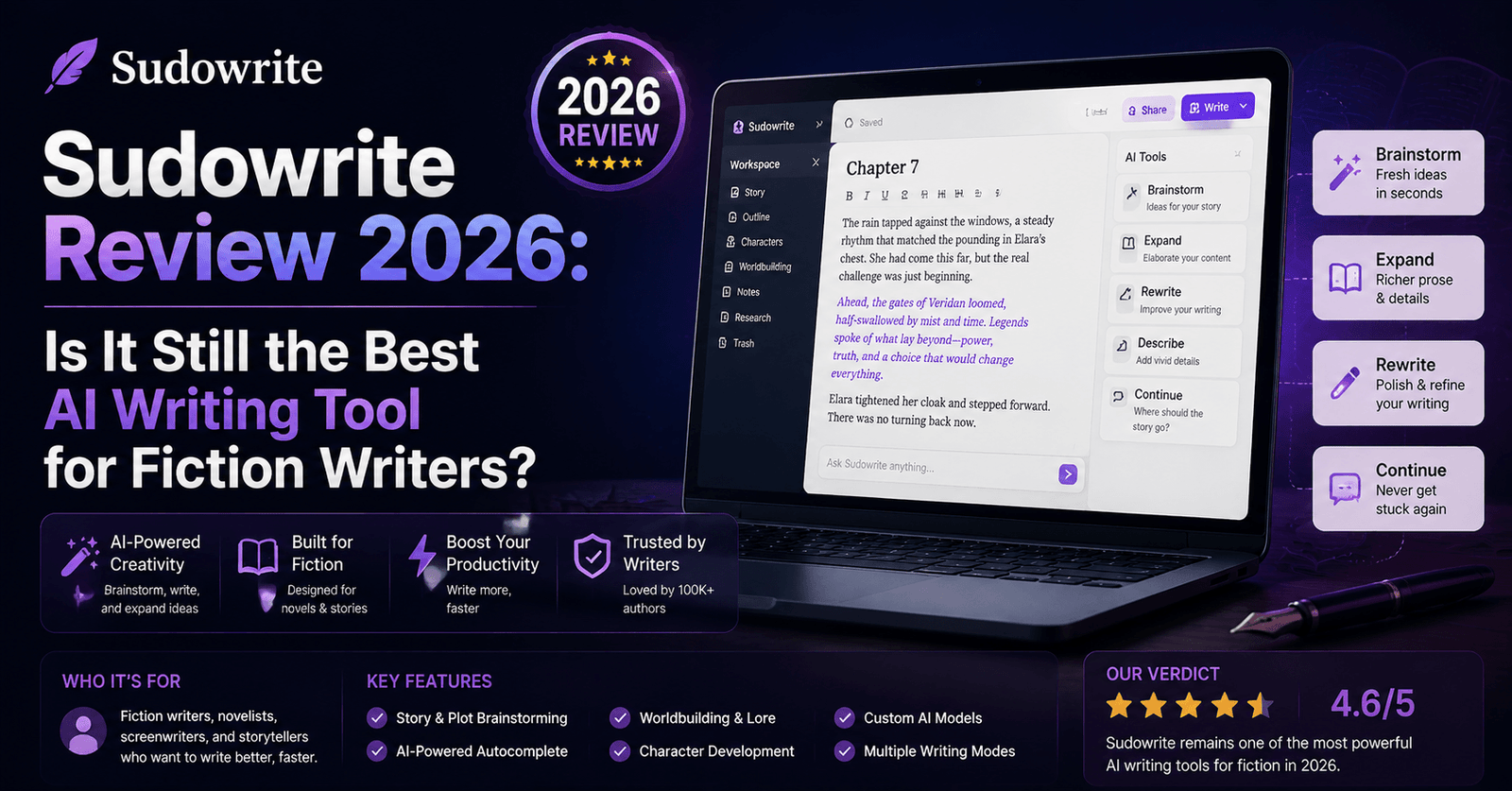
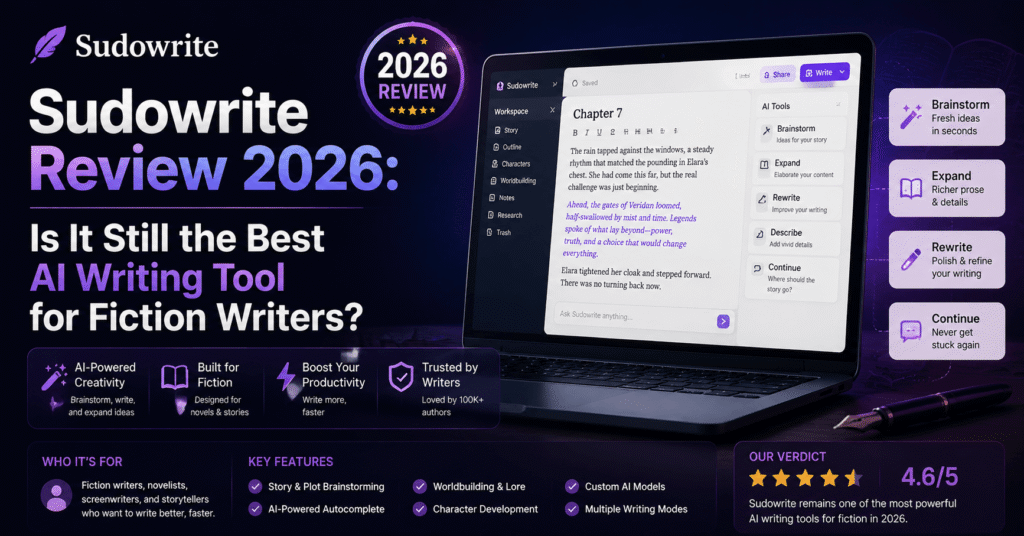
Sudowrite Review 2026: Is It Still the Best AI Writing Tool for Fiction Writers?
Topody Quick Verdict
Sudowrite remains the most purpose-built AI tool for fiction writers in 2026, thanks to its Story Bible feature and fiction-tuned Muse model. It’s not a substitute for craft or editing, but as a brainstorming and drafting partner for novelists, nothing else on the market comes as close.
Introduction
Most AI writing tools are built for marketers. Sudowrite is not one of them. Since its early days as a scrappy indie tool passed around in NaNoWriMo forums, Sudowrite has carved out a clear niche: helping novelists, short story writers, and screenwriters get past blank-page paralysis without sacrificing their own voice. Four years and several major model upgrades later, we revisited Sudowrite to see whether it still holds up against the flood of general-purpose AI assistants that have entered the market since.
We tested Sudowrite across three real writing projects: a fantasy novel outline, a literary short story draft, and a screenplay scene rewrite. Here’s everything we found.
What Makes Sudowrite Different?
Unlike general chatbots, Sudowrite is built entirely around the fiction-writing process. Its core feature, the Story Bible, lets you input character sheets, world-building notes, plot outlines, and style samples, which the tool then references consistently across every subsequent chapter you write. This solves one of the biggest frustrations fiction writers have with generic AI tools: characters who forget their own backstory three chapters later, or a narrative voice that drifts from literary to corporate halfway through a scene.
Sudowrite also runs on Muse, its own fiction-tuned language model, alongside the option to use other underlying models depending on the task. Muse is specifically trained to avoid the flat, over-explained prose that plagues most general AI writing, favoring show-don’t-tell techniques and more varied sentence rhythm.
Key Features Breakdown
Story Bible
This is Sudowrite’s signature feature and the main reason serious novelists keep coming back. You build out a structured document covering your characters, setting, plot outline, and genre conventions, and the tool uses this as persistent context for every generation request. In our testing, chapter-to-chapter consistency was noticeably better than what we’ve achieved manually prompting a general AI assistant with pasted-in context.
Write, Describe, Brainstorm, and Rewrite Tools
Beyond the Story Bible, Sudowrite’s core toolkit is built around specific writing tasks rather than open-ended chat:
- Write: continues your draft in your established voice and pacing
- Describe: generates sensory detail for a chosen object, setting, or character using multiple sensory angles at once
- Brainstorm: rapid-fires plot twists, character motivations, or world-building ideas when you’re stuck
- Rewrite: offers tone-shifted alternatives of a selected passage — more tense, more poetic, more concise, and so on
These purpose-built tools consistently outperformed generic prompting in our tests, largely because each one is tuned for a specific creative task rather than trying to do everything through one conversational interface.
Canvas and Story Engine
Sudowrite’s Canvas view gives writers a visual, node-based way to map out plot structure, which pairs well with the Story Bible for planning longer works like novels or serialized fiction. This is a meaningful upgrade from the plain document-editor feel of earlier versions.
Writing Quality: How Good Is the Output, Really?
We asked Sudowrite to continue a fantasy chapter with an established Story Bible already loaded. The output maintained character voice consistency remarkably well — a secondary character’s clipped, sarcastic speech pattern from chapter one carried through into a scene generated for chapter twelve without any additional prompting.
For the literary short story test, Sudowrite’s Muse model produced prose with genuine rhythmic variation — short punchy sentences mixed with longer, more lyrical ones — rather than the uniform paragraph structure that’s become a recognizable tell of AI-generated fiction. It’s not flawless; occasional metaphors still landed as slightly generic, and the tool sometimes over-relies on certain sentence openers. But compared to asking a general-purpose assistant to “write a short story in a literary style,” the gap in quality was substantial.
The screenplay test was the weakest of the three. Sudowrite is not purpose-built for screenplay formatting, and while the dialogue quality was solid, we had to do significant manual reformatting to get proper industry-standard screenplay structure.
Setting Up Your First Story Bible
For writers new to Sudowrite, the Story Bible is worth understanding in detail before diving in, since how well you populate it directly determines the quality of everything the AI generates afterward. The setup is broken into sections covering braindump notes, characters, outline, worldbuilding, and style samples. We found that the single highest-leverage section was the style sample: pasting in two or three pages of your own previously written prose gave Muse a far stronger grasp of voice than describing your style in the abstract (“witty, literary, first-person”).
Character sheets benefit from similar specificity. Rather than a single paragraph of backstory, breaking a character down into voice, motivation, physical description, and relationships to other characters produced noticeably more consistent dialogue across scenes. Writers coming from more freeform tools may find this structured setup process takes some adjustment, but the payoff compounds as your manuscript grows longer.
Community, Updates, and Ecosystem
Sudowrite has maintained an unusually active community relative to its size, with a Discord server where writers share prompt techniques, Story Bible templates, and feedback directly to the product team. This has translated into a steady cadence of feature updates, including expansions to the Canvas planning tool and refinements to the Muse model aimed specifically at reducing repetitive phrasing in longer manuscripts. For writers who like being part of a product’s evolution, this ongoing dialogue between the community and the development team is a genuine point in Sudowrite’s favor compared to larger, more corporate AI platforms.
Real-World Use Case: Drafting a Full Novel Manuscript
To test Sudowrite under realistic conditions, one of our reviewers used it over several weeks to draft roughly forty thousand words of a fantasy novel, building out the Story Bible incrementally as the plot developed. The biggest time savings came not from the initial drafting but from revision: when an early plot decision changed a character’s motivation, updating the Story Bible once propagated that context into every future generation, rather than requiring a manual read-through of dozens of previous chapters to keep details straight.
The most friction came during major structural rewrites, where entire chapters needed to be reordered. Sudowrite handled scene-level continuity well but still required significant manual oversight to catch larger structural inconsistencies, such as a character referencing an event that, after restructuring, hadn’t happened yet. This is a reminder that Sudowrite works best as a drafting and consistency aid alongside a writer who is actively tracking the larger structure of the story, not as a fully autonomous novel-writing system.
Pricing
| Plan | Best For | Notes |
|---|---|---|
| Hobby & Student | Casual writers, first-time users | Limited monthly credits, good for testing the Story Bible |
| Professional | Working novelists, serial fiction writers | Higher credit allowance, full Canvas access |
| Max | Full-time authors, heavy users | Highest credit ceiling, priority access to new models |
Sudowrite does not currently offer a permanent free tier, though limited-time trial credits are occasionally available for new sign-ups. Pricing is credit-based rather than pure per-seat, so heavy users of long-form generation should budget accordingly.
Pros and Cons
|
Pros
|
Cons
|
How Does It Compare to General AI Assistants?
The honest answer is that general-purpose AI assistants have closed some of the quality gap over the past couple of years — a well-crafted prompt with pasted-in context can now produce respectable fiction from a general chatbot. What Sudowrite still wins on is convenience and consistency at scale. The Story Bible removes the need to manually re-paste character and world context into every single prompt, which becomes an enormous time saver across a 90,000-word manuscript. For a single short story, the gap matters less. For a full novel, it matters a great deal.
Who Should Use Sudowrite?
Sudowrite is best suited for novelists and serial fiction writers working on long-form projects where maintaining character and world consistency across dozens of chapters is a real challenge. It’s also a strong fit for writers who deal with chronic blank-page paralysis and need a brainstorming partner rather than a full ghostwriter. Writers looking for occasional short-form help, or those working primarily in screenplay format, may find better value elsewhere.
Final Verdict
Topody Rating: 4.5 / 5
Best AI writing tool for long-form fiction in 2026, held back only by the lack of a free tier and weaker screenplay support.
Four years on, Sudowrite has held its niche remarkably well. While general AI assistants have narrowed the raw writing-quality gap, Sudowrite’s Story Bible and fiction-tuned Muse model still make it the most convenient tool on the market for anyone seriously working on a novel-length project.
Frequently Asked Questions
Does Sudowrite replace a human editor?
No. It’s a strong drafting and brainstorming partner, but published fiction still benefits from professional developmental and line editing.
Is Sudowrite good for non-fiction writers?
It’s possible to use it for non-fiction, but its tools are specifically tuned for narrative fiction, so writers of articles or business content will likely get more value from a general-purpose tool.
Can Sudowrite write an entire novel on its own?
Technically yes, but the results read as noticeably weaker without heavy human direction, editing, and revision at every stage.
Is there a free trial?
Sudowrite occasionally offers limited trial credits for new users, though there is no permanent free plan as of this review.
About the Author